How to Choose the Right School ERP: A Practical Guide
Choosing a School ERP is a long-term decision. This practical guide helps school owners, principals and administrators evaluate features, usability, data security, support and cost before signing up.
 Ajay SharmaDigiware Technology Services
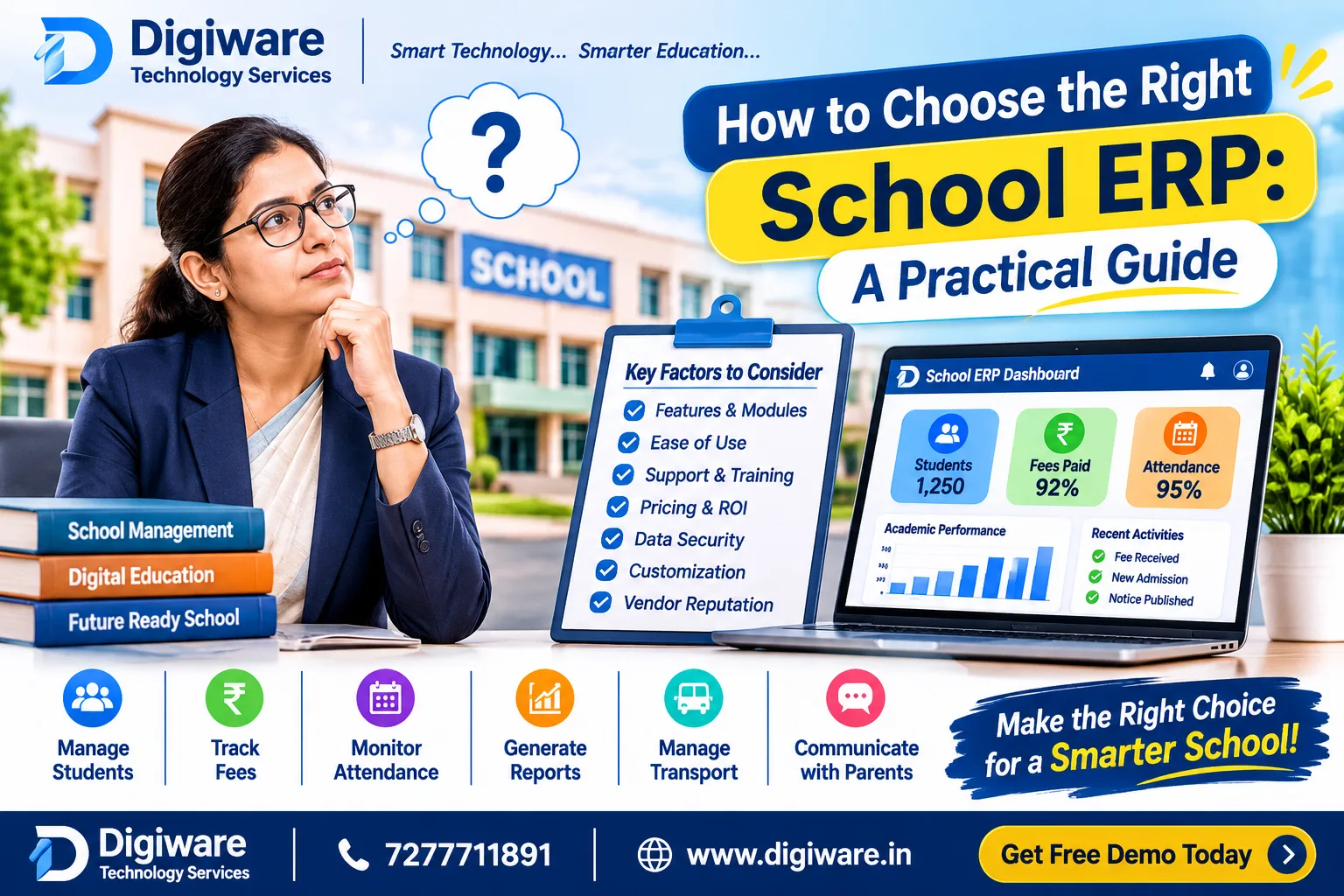
Most schools in India today manage admissions, fee collection, attendance, exams and parent communication across a mix of registers, Excel sheets and WhatsApp groups. It works until it doesn't: a fee receipt goes missing, a report card has an error, or a parent never receives an important circular. A School ERP brings all of this onto one platform. But with many options in the market, choosing the right one needs careful thought.
This guide walks school owners, principals and administrators through the key questions to ask before you commit.
Start With Your School's Real Problems
Before you look at any demo, sit with your accountant, office staff, a few teachers and your coordinator. Ask them where they lose the most time. Common answers in CBSE schools include:
- Fee follow-ups, late fee calculation and printing receipts
- Preparing marks entry and report cards at the end of each term
- Daily attendance and informing parents about absences
- Sending circulars, holiday notices and homework updates
- Managing transport routes and bus fee
- Maintaining student records for board registration and transfer certificates
Write these down and rank them. This list becomes your checklist. An ERP with a hundred features is of little use if it does not solve your top three problems well.
Essential Modules to Look For
Every school is different, but most schools will need the following core modules:
Admissions and Student Information
A single profile for each student with personal details, parent contacts, documents, sibling links and academic history. This saves time when generating TCs, bonafide certificates and ID cards.
Fee Management
Look for flexible fee structures (monthly, quarterly, annual), concessions, sibling discounts, late fines, online payment options and instant digital receipts. Clear defaulter reports help your accounts team follow up without endless phone calls.
Attendance
Teachers should be able to mark attendance quickly, ideally from a mobile phone. Automatic alerts to parents when a child is absent add a layer of safety that parents appreciate.
Examinations and Report Cards
For CBSE schools, the report card format and assessment pattern matter. Check whether the ERP can match your current report card layout and grading scheme, and whether it can be updated if board guidelines change. Since CBSE assessment guidelines are revised from time to time, always verify the latest requirements with the board and confirm that the vendor can adapt.
Communication
Circulars, homework, notices and event updates should reach parents directly through an app or SMS, with a record of what was sent and when.
Staff, Payroll and Transport
Depending on your size, you may also need staff attendance, payroll, timetable, library and transport management. Ask whether these are included or charged separately.
Ease of Use Matters More Than Feature Lists
The best software fails if your staff do not use it. Many teachers and office staff are comfortable with WhatsApp but not with complicated software. During the demo, pay attention to:
- How many clicks it takes to mark attendance or collect a fee
- Whether screens are clean and easy to read
- Whether the mobile app works smoothly on ordinary Android phones
- Whether parents can understand the parent app without training
Tip: Ask one of your senior office staff and one teacher to try the demo themselves. Their feedback is often more useful than a sales presentation.
Mobile Apps for Parents, Teachers and Students
Parents today expect to check fees, attendance, homework and results on their phone. A good School ERP should come with mobile apps for parents and teachers, not just a web portal. Check whether the app is available on both Android and iOS, and whether it carries your school's name and logo, which helps strengthen your school's brand with parents.
Data Security and Ownership
Your ERP will hold sensitive information about children and families. Ask the vendor clear questions:
- Where is the data stored, and how is it backed up?
- Are there role-based logins so that a teacher cannot see fee data and an accountant cannot edit marks?
- Can you export your data if you ever decide to switch providers?
- Who owns the data? (The answer should be: your school.)
Data protection rules in India are evolving, so it is wise to check the current legal requirements and confirm the vendor's approach in writing.
Support, Training and Onboarding
Implementation is where many ERP projects struggle. Moving existing student records, fee balances and staff data into a new system takes planning. Ask:
- Will the vendor help migrate your existing data from Excel or old software?
- Will they train your office staff, teachers and coordinators?
- Is support available by phone or WhatsApp during school hours?
- How quickly are issues usually resolved during busy periods like admissions and exam results?
A local or regional partner who understands how schools in your area work can make onboarding far smoother than a distant helpdesk.
Understand the Full Cost
ERP pricing varies widely. Some vendors charge per student per year, others charge a fixed annual fee, and some add setup or SMS charges separately. To compare fairly, ask for a written quote covering:
- One-time setup and data migration charges
- Annual or per-student licence fees
- Mobile app charges, if any
- SMS, WhatsApp or payment gateway costs
- Charges for customisation, such as a custom report card format
The cheapest option is not always the most economical. Factor in the staff time saved, fewer errors and better fee collection when you weigh the cost.
Think About Growth
Choose a system that can grow with you. If you plan to add senior secondary classes, a second branch or transport services in the next few years, make sure the ERP can handle multiple branches, larger student numbers and additional modules without a complete change of software.
A Simple Evaluation Checklist
- Does it solve our top three administrative problems?
- Can it match our CBSE report card format?
- Are our staff comfortable using it after a demo?
- Are parent and teacher mobile apps included?
- Is our data secure, backed up and exportable?
- Is training and local support available?
- Is the total cost clear and in writing?
The right School ERP is not the one with the longest feature list. It is the one your staff actually use every day and your parents trust.
How Digiware Can Help
At Digiware Technology Services, we work mostly with CBSE schools in Greater Noida and Bihar. Our School ERP Software connects administration, teachers, parents and students on one secure platform. We can also support related needs such as student and staff ID cards using the same student data.
If you are evaluating ERP options for your school, we would be happy to understand your requirements and show you a demo. Contact us or call/WhatsApp us at +91 72777 11891 to get started.
Talk to the Digiware team. Consultation is free.